July sees a significant shift from planning to execution, as the students begin to code the Cat-Scan app in Python. With the design and functionality established in previous months, the focus now turns to building and integrating the app's core features: image capture, pupil detection, AI prediction, and user interface (UI). The students have a clear goal: to bring the concept to life, ensuring that the app is intuitive, efficient, and ready for initial testing.
The first task is setting up the development environment. Python is selected as the primary language due to its simplicity and robust support for image processing and AI. Students start by integrating essential libraries, such as OpenCV for image manipulation and TensorFlow for running the AI model. After ensuring the environment is configured, the coding begins in earnest.
The first phase of coding focuses on the pupil detection algorithm. Using the OpenCV library, the students write a function, detect_cataract(image), which converts the image into grayscale, applies a Gaussian blur, and detects edges using the Canny edge detection method. This function processes the uploaded image, highlights the edges, and prepares it for further analysis. It is an essential building block for the app’s AI to identify potential cataract symptoms by focusing on the pupil’s appearance. The first screenshot shared demonstrates the student’s progress with the Python code for pupil detection using OpenCV, marking a key milestone in the app's development.
By the second week of July, the app starts to take shape in terms of user interface. The students work with wireframes that outline the user flow, from registration and profile setup to capturing and processing images. The UI design is simple, with large buttons, easy navigation, and clear instructions, ensuring that even first-time users can easily follow the steps. The second screenshot shows the app’s flow diagram, displaying the steps from registering to viewing results and saving the images in the visit database. The app guides users through the process step by step: from uploading an image, adjusting the pupil’s position, and running the AI prediction, to showing the results and storing the visit information.
As the month progresses, the students work on refining the pupil-cropping interface. The app provides real-time feedback to ensure that the pupil is correctly centered within the ring, which is crucial for accurate AI predictions. They also begin integrating a simple database to store user visits, predictions, and notes for each patient, preparing the app for real-world use.
By the end of July, the app’s core features are functional, but several improvements are necessary, especially in handling low-light conditions and refining AI predictions. The students plan to continue testing and iterating, ensuring the app meets the needs of field workers and volunteers in rural settings.
Next Tasks (for August):
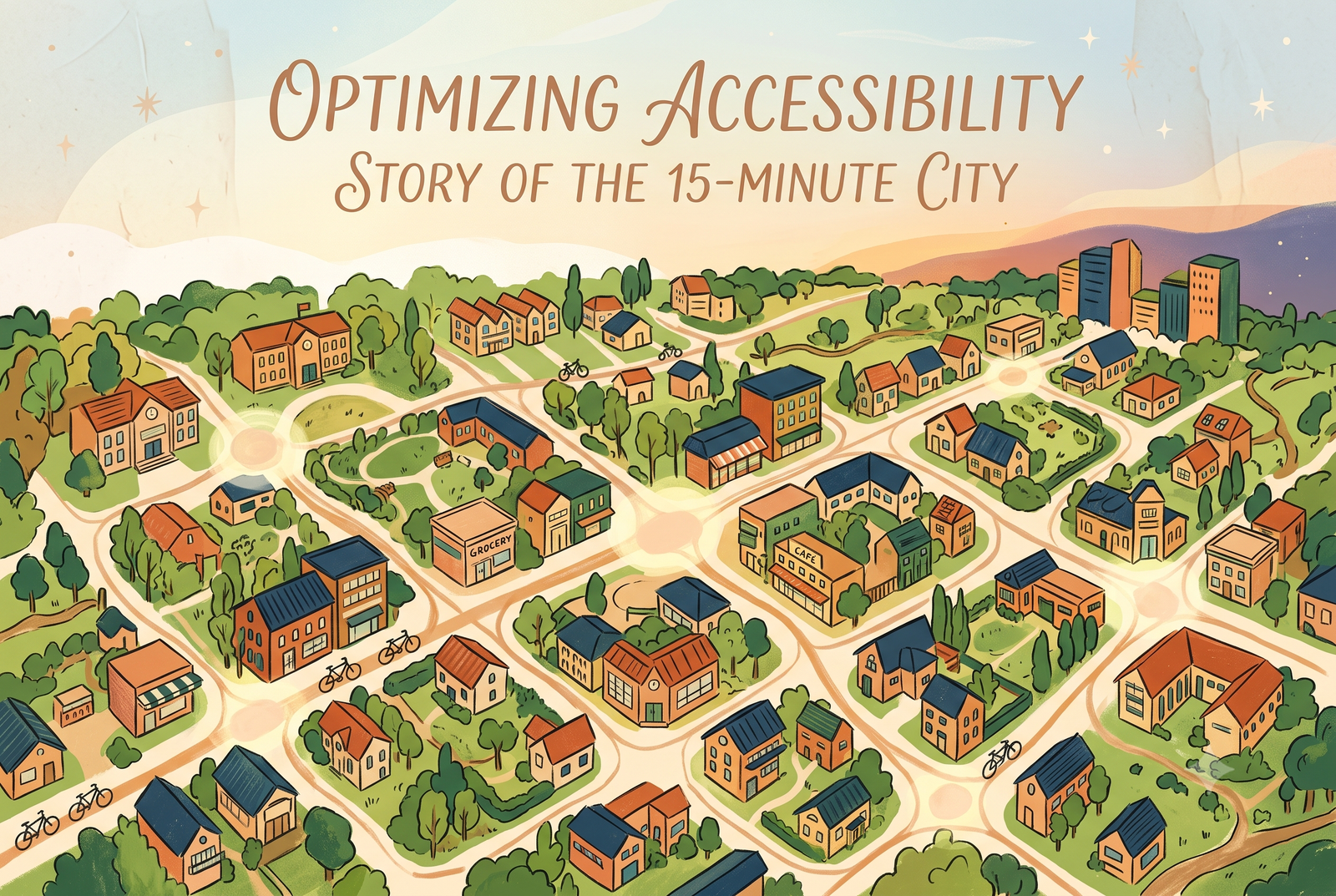
Her project on quantum-accelerated Steiner trees for 15-minute cities earned a place among the finalists at the world's largest pre-college STEM competition. Prishaa Shrimali of Marymount School of New York, was selected as a Grand Finalist at the 2026 Regeneron International Science and Engineering Fair (ISEF) in Phoenix, Arizona. Her project was Optimizing Urban Accessibility: […]
In 2026, the following Cheenta students have been successful for Indian Statistical Institute's M.Stat Entrance. They ranked within the first 50 in the entire country in these entrances. I.S.I. M.Stat Entrance
In 2026, the following Cheenta students have been successful for Indian Statistical Institute's B.Stat Entrance and Chennai Mathematical Institute's B.Sc. Math Entrance. They ranked within the first 200 in the entire country in these entrances. Most of these students attended the problem solving workshops regularly, which happen 5 days every week. CMI B.Sc. Math Entrance […]

In 2025, 8 students from Cheenta Academy cracked the prestigious Regional Math Olympiad. In this post, we will share some of their success stories and learning strategies. The Regional Mathematics Olympiad (RMO) and the Indian National Mathematics Olympiad (INMO) are two most important mathematics contests in India.These two contests are for the students who are […]
